A Modern Boomer Guide to Understanding Your Smartphone
A Modern Boomer Guide to Understanding Your Smartphone
52-page visual PDF guide • Full color • Instant download
Couldn't load pickup availability
Download Details
Download Details
After checkout, your full PDF guide will be available right away on the thank-you page. We’ll also email you a download link for future access.
Guide Format
Guide Format
This guide is a full-color visual PDF ebook with text built into designed pages. It can be viewed on a phone, tablet, or computer.
For details about text-based EPUB companions, please visit our About page.
Preview before you buy:
Read a free 7-page sample here
A smartphone can feel like the control center for everything.
Calls. Texts. Photos. Maps. Weather. Calendars. Notes. Apps. Passwords. Updates. Notifications. Storage. Security codes.
That is a lot to keep track of—especially when the phone keeps asking questions, showing alerts, requesting permissions, or changing after an update.
A Modern Boomer Guide to Understanding Your Smartphone is a practical, visual guide that helps you use the phone you rely on every day with less confusion.
What you’ll learn
• What makes a smartphone “smart” and why it does more than make calls
• How home screens, app icons, widgets, search, and settings work
• What Wi-Fi, cellular service, and Bluetooth each do
• Why notifications appear and how they can be adjusted
• What updates, storage, cloud storage, and backups mean
• How calls, texts, voicemail, photos, maps, calendars, weather, and notes work
• What app permissions, passcodes, face unlock, fingerprint unlock, and security codes are for
• How to simplify your phone and recognize suspicious texts, links, and pop-ups
What’s included
• 52 full-color visual pages
• Clear, easy-to-read explanations
• Then-vs-now and myth-vs-reality pages
• “Boomer translation” pages for common smartphone frustrations
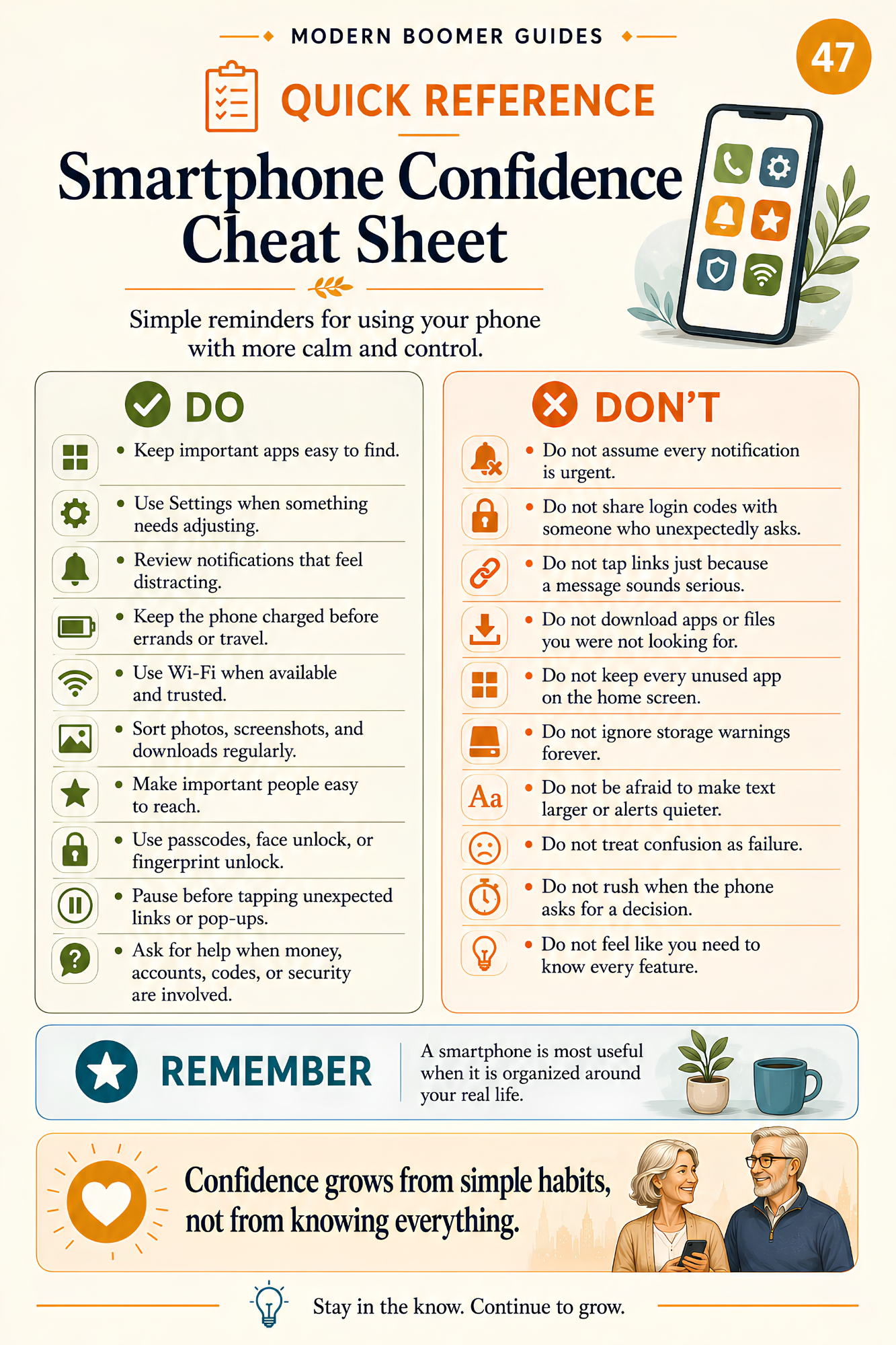
• A one-page summary, smartphone confidence cheat sheet, and quick-reference settings page
Who this guide is for
This guide is designed for older adults, parents, grandparents, families, and curious lifelong learners who want a clearer and more practical way to understand their smartphones.
It may be especially helpful if you have ever wondered:
• “Why does my phone keep interrupting me?”
• “Should I tap Allow or Don’t Allow?”
• “What is the cloud?”
• “Why does my phone say storage is full?”
• “What happens if I update my phone?”
You do not need to understand every app, use every feature, or answer every notification.
Understanding the basic parts of your smartphone can help you find what matters faster, adjust what interrupts you, protect your information, and make the device feel easier to use.
This practical visual guide helps you use your smartphone as a helpful everyday tool instead of feeling controlled by it.
Important note
This guide explains the general principles of smartphone use. It is not a step-by-step manual for one specific phone, model, operating system, app, or button, and it is not a repair or technical support guide.
It is for general education and awareness and is not cybersecurity or professional advice. Phone features, menus, settings, and security options may vary by device and change after updates.
If you believe you clicked a suspicious link, shared sensitive information, installed an unsafe app, sent money, or lost access to an account, contact the appropriate provider, financial institution, or trusted professional promptly.
Download today and start using your smartphone with more clarity, confidence, and control.
Stay in the know. Continue to grow.
About Modern Boomer Guides
Modern Boomer Guides creates clear, visual, easy-to-read guides that help older adults make sense of modern life, technology, family communication, and generational change—one practical page at a time.
Copyright note
© 2026 Modern Boomer Guides. A Harbor Launch LLC publication. All rights reserved.