A Modern Boomer Guide to Understanding PDFs, Printing, and Scanning
A Modern Boomer Guide to Understanding PDFs, Printing, and Scanning
52-page visual PDF guide • Full color • Instant download
Couldn't load pickup availability
Download Details
Download Details
After checkout, your full PDF guide will be available right away on the thank-you page. We’ll also email you a download link for future access.
Guide Format
Guide Format
This guide is a full-color visual PDF ebook with text built into designed pages. It can be viewed on a phone, tablet, or computer.
For details about text-based EPUB companions, please visit our About page.
Preview before you buy:
Read a free 7-page sample here
Handling paperwork used to be more straightforward.
Today, one everyday task may involve a PDF, a download, a printer, a scanner, a phone camera, a file name, an upload button, and a confirmation screen.
That can make forms and documents feel more complicated than they should—especially when you are unsure where a file went, which version is final, why a website rejected an upload, or whether something was successfully submitted.
A Modern Boomer Guide to Understanding PDFs, Printing, and Scanning is a practical, visual guide that helps you handle modern document tasks with less confusion.

What you’ll learn
• What a PDF is and why it is used so often
• The difference between open, save, save as, download, and export
• How to find downloaded files and name documents more clearly
• How fillable forms, signatures, and completed versions work
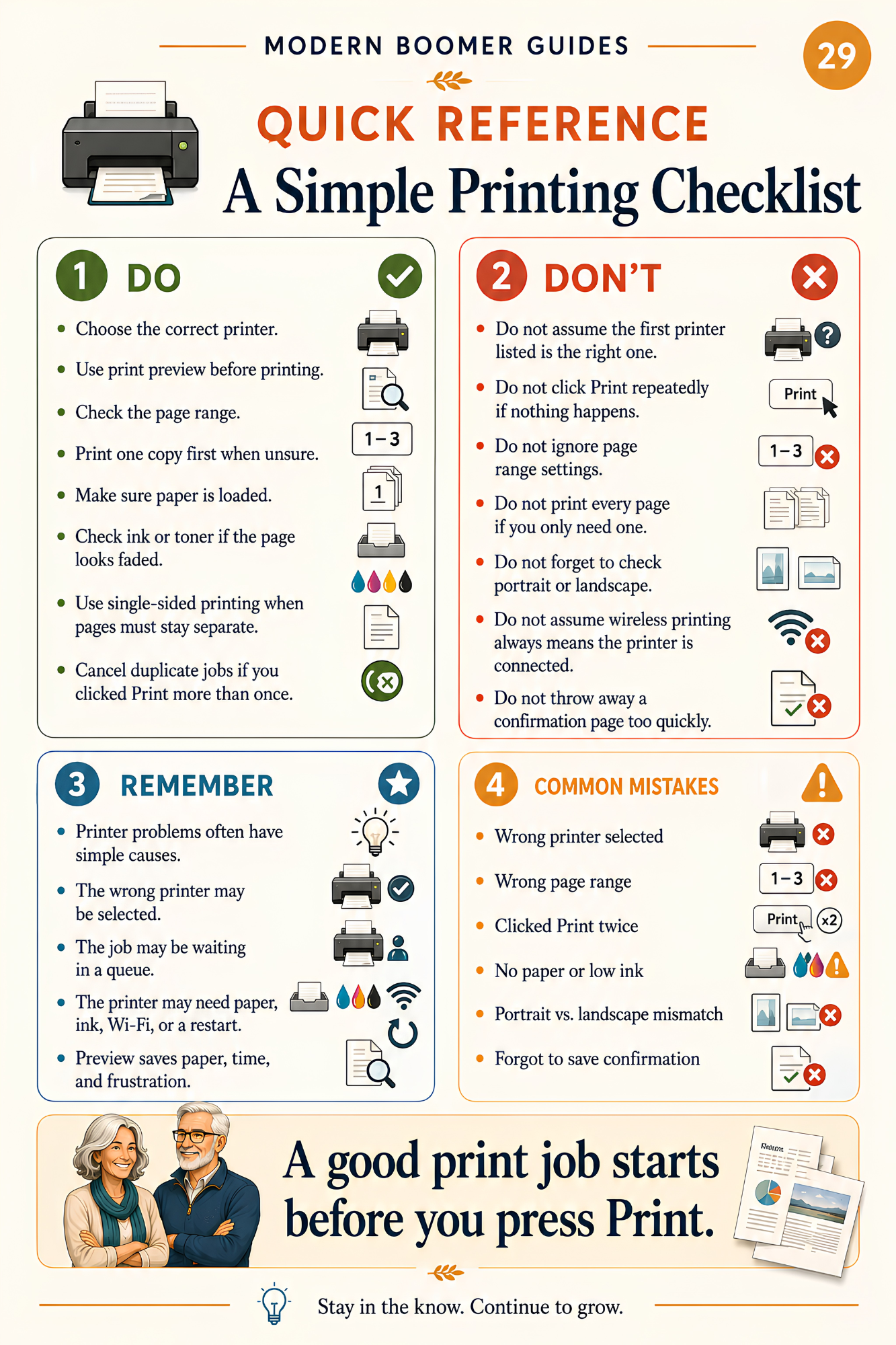
• What common print settings mean and what to check before printing
• The difference between scanning a document and taking a photo
• How attaching, uploading, and sharing a file differ
• Why websites reject some files and how to confirm a submission worked
What’s included
• 52 full-color visual pages
• Clear, easy-to-read explanations
• Then-vs-now and myth-vs-reality pages
• “Boomer translation” pages for common document frustrations
• A one-page summary, document confidence cheat sheet, and quick-reference terms page

Who this guide is for
This guide is designed for older adults, parents, grandparents, families, and curious lifelong learners who want a clearer and more practical way to handle modern paperwork.
It may be especially helpful if you have ever wondered:
• “Where did my download go?”
• “Did I save this, or only open it?”
• “Do I need to print, sign, scan, or upload this?”
• “Why did the website reject my file?”
• “How do I know my submission went through?”
You do not need to master every device, understand every printer setting, or maintain a perfect filing system.
Understanding the basic flow—open, save, print, scan, upload, confirm—can help you find documents more easily, send the correct version, and keep proof when something important has been submitted.

This practical visual guide helps you move through common document tasks with more clarity, patience, and control.
Important note
This guide explains the general principles of modern document tasks. It is not a step-by-step manual for one specific computer, phone, tablet, printer, scanner, website, or form portal, and it is not a printer repair guide.
It is for general education and awareness and is not legal, medical, tax, financial, cybersecurity, or professional advice. Document requirements can vary by organization, website, device, and situation.
If a document affects your money, health, identity, taxes, benefits, account access, legal matters, or official records, contact the appropriate organization, provider, office, or professional through a trusted source when you need assistance.
Download today and start handling PDFs, printing, scanning, and modern paperwork with more clarity, confidence, and calm.
Stay in the know. Continue to grow.
About Modern Boomer Guides
Modern Boomer Guides creates clear, visual, easy-to-read guides that help older adults make sense of modern life, technology, family communication, and generational change—one practical page at a time.
Copyright note
© 2026 Modern Boomer Guides. A Harbor Launch LLC publication. All rights reserved.